Classrooms
To enable the Classrooms feature, go to the Schedule Page and open the solver settings by clicking the gear icon on the toolbar.
At the bottom-left of the dropdown settings panel, you’ll find the option to enable classrooms.
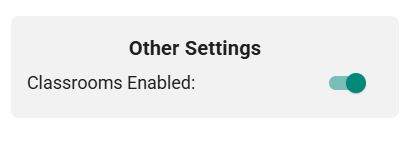 Figure 1 — Enabling the Classrooms feature
ScheduLearn does not yet assign classrooms automatically. You must select a specific classroom for each subject, and ScheduLearn will ensure that no classroom is double-booked. An automatic classroom-assignment feature is planned for a future update.
The Classrooms Page
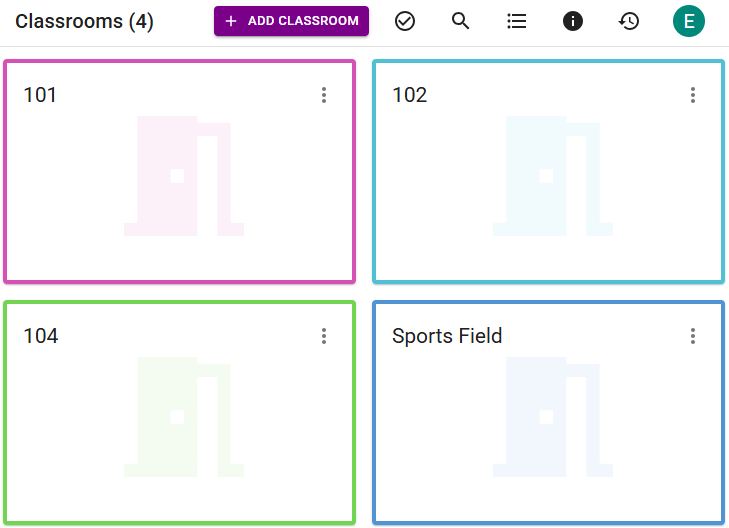 Figure 2 — The Classrooms page
Once the feature is enabled, a new Classrooms page appears. It works similarly to the Teachers and Classes pages.
Like teachers, classrooms can also have blocked-off times when they are unavailable.
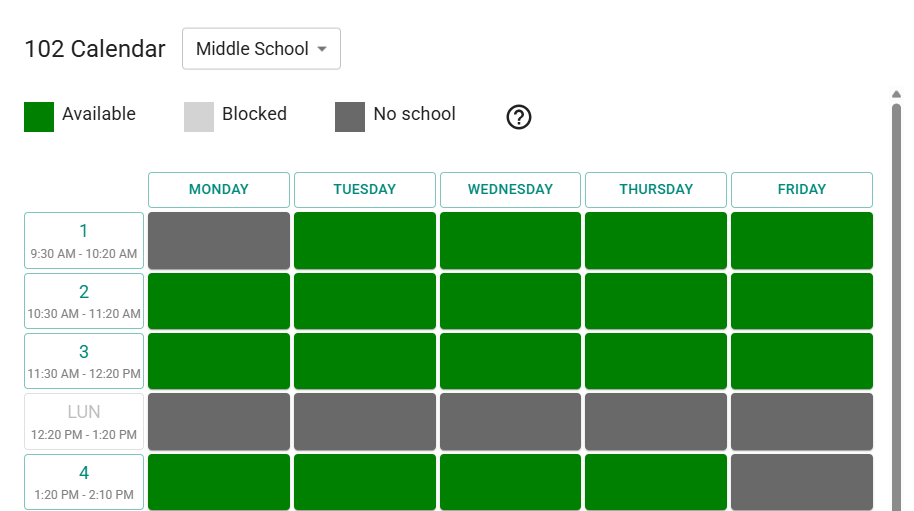 Figure 3 — Blocking unavailable times for Classroom 102 in the Middle School Schedule Structure
As with Teacher Calendar Constraints, Classroom Calendar Constraints are specific to a Schedule Structure.
New Constraints Tab
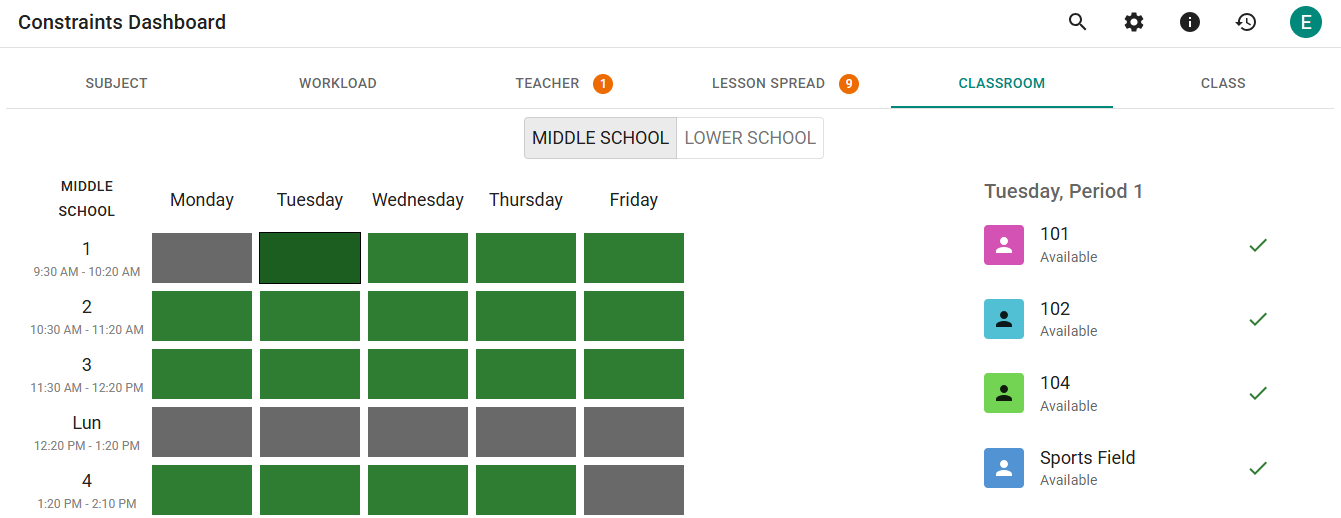 Figure 4 — Classroom Constraints tab on the Constraints Page
A new Classrooms tab is added to the Constraints Page, letting you view and manage any calendar constraints applied to classrooms. This works just like the Teachers and Classes tabs.
Updated Subject Card
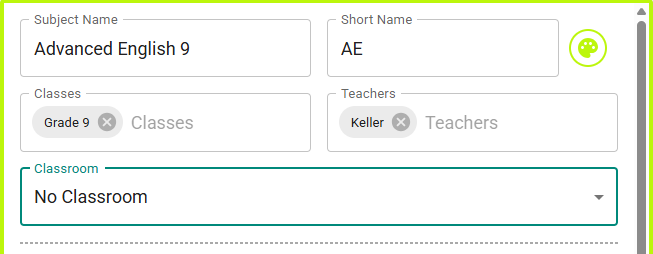 Figure 5 — Subject card with classroom selection
Each subject card now includes a dropdown for selecting the classroom in which the subject should be scheduled. The Subjects page also includes a new bulk-action section for assigning multiple subjects to the same classroom.
New Schedule View
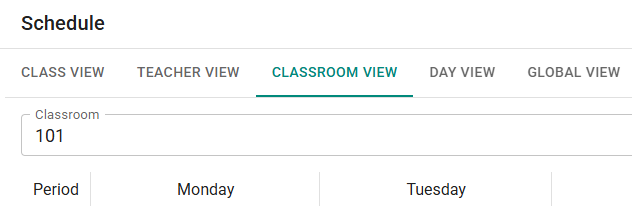 Figure 6 — Viewing a classroom’s schedule on the Schedule Page
A new schedule view allows you to view the lessons scheduled in any specific classroom.
Custom views can now include classrooms.
You can also export classroom schedules from the Export Page.
Schedule Only Selected
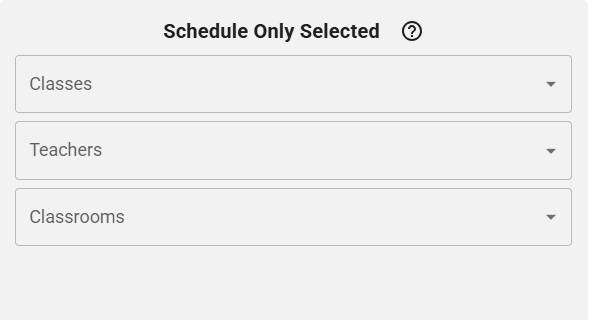 Figure 7 — Classroom option in Schedule Only Selected
The Schedule Only Selected section of the Schedule Settings now includes a dropdown for selecting specific classrooms. It works exactly the same way as the filters for Classes and Teachers.